
Analyzing bid activity before applying is the single most reliable way to stop wasting bids on projects you cannot win. Bid activity assessment, as professionals call it, means reviewing a project’s proposal count, client payment history, hire rate, and past spend before you commit a single word to your pitch. Freelancers who skip this step bid blind. Those who do it consistently spend less time writing proposals and win more of the ones they send. This guide covers the metrics that matter, the scoring frameworks that work, and the tools that make the whole process faster.
What key bid activity metrics should freelancers assess before applying?
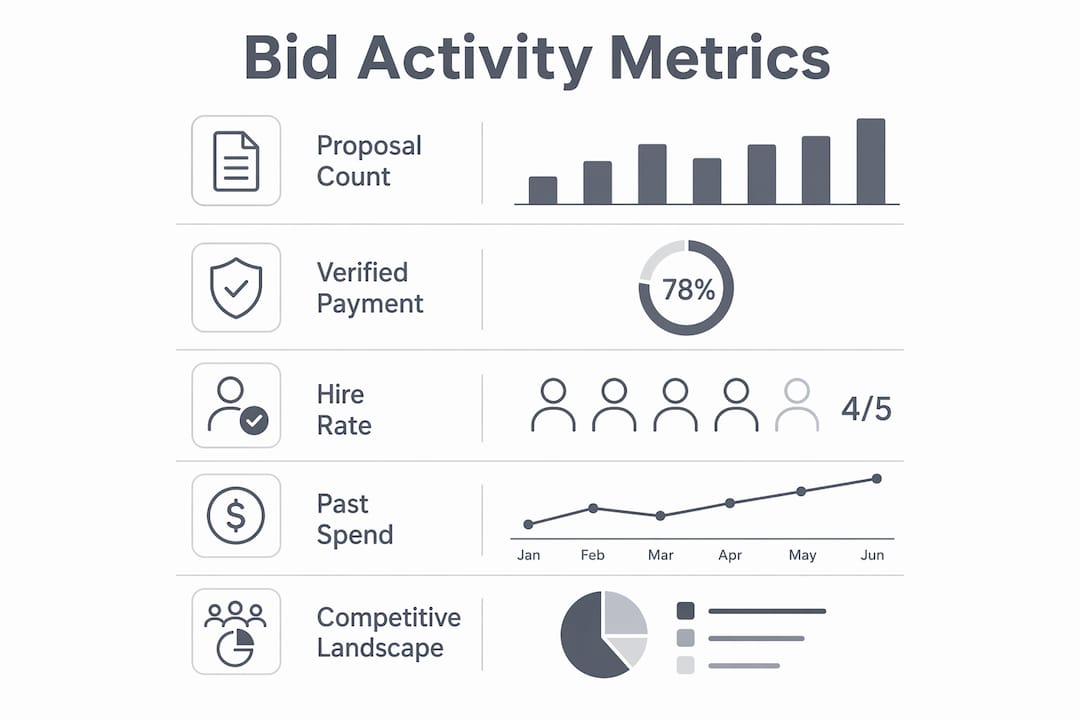
The metrics that predict a winnable project are specific and measurable. Projects with verified payment, hire rates above 50%, past client spend above $1,000, and fewer than 15 current proposals tend to produce reply rates above 13%. That combination tells you the client is real, has hired before, and has not yet been buried by competition.
Each metric plays a distinct role in your bid activity assessment.

Proposal count
Proposal count is the fastest filter. A project with 40+ bids already submitted is a crowded room. Your odds of standing out drop sharply, and the client’s attention is already split. Projects under 15 proposals give you room to be read.
Verified payment status
Verified payment means the client has a confirmed funding method on file. Clients without verified payment ghost freelancers at a much higher rate. This single checkbox eliminates a large share of low-quality listings before you read a single word of the job description.
Hire rate and past spend
Hire rate measures how often a client posts a job and actually hires someone. A hire rate below 30% signals a client who browses but rarely commits. Past spend above $1,000 confirms the client has paid real money to real freelancers. Together, these two figures tell you whether the client is a buyer or a window shopper.
Pro Tip: On Freelancer.com, sort your project feed by “Verified Payment” and filter for fewer than 15 bids. Run that filter before you read any project description. You will cut your review time in half and focus only on listings worth your attention.
| Metric | Threshold | What it signals |
|---|---|---|
| Proposal count | Under 15 | Low competition, higher visibility |
| Verified payment | Yes | Client is financially committed |
| Hire rate | Above 50% | Client regularly follows through |
| Past spend | Above $1,000 | Proven history of paying freelancers |
| Reply rate | Above 13% | Client is responsive and engaged |
How do you evaluate the competitive landscape through bid activity?
Evaluating competition is not just about counting bids. It is about deciding, early, whether the project is worth your time at all. The bid/no-bid decision is a binary call that must be made fast. Delaying it wastes time and resources on projects you were never going to win.
The most reliable method is a weighted scoring matrix. Scored bid/no-bid frameworks analyze strategic fit, delivery capability, and competitive position across 12 weighted questions. Projects scoring below 2.5 out of 5 should be declined to conserve your resources for stronger opportunities.
Here is a practical evaluation process you can run on any project in under five minutes:
-
Check the basics. Confirm verified payment, proposal count, and hire rate. If two of these three fail your thresholds, stop here.
-
Score strategic fit. Ask whether this project matches your core skills and portfolio. Rate it 1–5.
-
Score your capability. Can you deliver the full scope without subcontracting or guessing? Rate it 1–5.
-
Score the competitive position. How many bids are already in? Do you have a clear differentiator? Rate it 1–5.
-
Calculate your total. Average the three scores. Anything below 3 is a no-bid. Anything above 4 gets your full attention.
-
Set a hard deadline. Make your go/no-go call within 10 minutes of opening the listing. Do not revisit it.
Pro Tip: The sunk cost fallacy kills freelance productivity. Once you have spent 20 minutes researching a project, you feel obligated to bid. Set your scoring threshold before you read the description, not after. The score decides, not your gut.
What tools and methods work best for analyzing bid data?
Manual analysis works at low volume. When you are reviewing five projects a day, reading each listing and checking metrics by hand is manageable. When that number climbs to 20 or 30, manual review becomes the bottleneck in your entire workflow.
Automated bidding strategies outperform manual control 80–90% of the time after sufficient data is available. That figure applies to paid advertising contexts, but the principle transfers directly to freelance bidding: once you have enough data on what wins, automation beats intuition. The challenge is that most freelancers never collect that data in a structured way.
| Method | Pros | Cons |
|---|---|---|
| Manual review | Full context, no setup cost | Slow, inconsistent at scale |
| Spreadsheet scoring | Structured, trackable | Still manual data entry |
| Automated filtering tools | Fast, consistent, scalable | Requires setup and calibration |
| Hybrid approach | Balances speed and judgment | Needs clear rules to avoid confusion |
A hybrid approach is the most practical for most freelancers. You use automated filtering to surface candidates that meet your metric thresholds, then apply manual judgment to score and rank the shortlist. Hybrid bidding strategies consistently outperform either extreme. The automation handles volume; your judgment handles nuance.
A simple heuristic to start with: flag any project that passes all five metrics in the table above, then score only those flagged projects manually. You will spend your analysis time on projects that already meet a baseline standard.
Step-by-step guide to applying bid activity analysis in your strategy
A repeatable process beats a brilliant one-time effort. Before you start, gather three things: access to your platform’s project feed with filters enabled, a simple scorecard (even a notes app works), and a record of your last 10 bids with their outcomes.
Follow this sequence for every project you consider:
-
Filter first. Apply your metric thresholds before reading any description. Verified payment, proposal count, hire rate. This is your first gate.
-
Read the description once. Do not reread it. Note the deliverable, the deadline, and any red flags in the client’s communication style.
-
Score the project. Use your three-factor scorecard: strategic fit, capability, competitive position. Average the scores.
-
Check your timing. Bidding within the first five minutes of a project posting can push reply rates to 9%, while waiting five to ten minutes drops that figure to 6.2%. Speed matters more than most freelancers realize.
-
Write or skip. If your score clears the threshold and you can bid within the timing window, write the proposal. If not, move on without guilt.
-
Log the outcome. Record the project score, your bid, and whether you received a reply. This data becomes your calibration tool.
Common mistakes that undermine the whole process:
-
Skipping the filter step and reading every listing in full
-
Scoring after you have already emotionally committed to a project
-
Ignoring timing and submitting bids hours after posting
-
Failing to log outcomes, which prevents any learning over time
-
Treating a high score as a guarantee rather than a probability
Experienced bidders use scorecards within 24–48 hours of project posting and prioritize bids in the first five minutes. The discipline is the differentiator, not the scorecard itself.
How do you troubleshoot a bid analysis process that stops working?
A bid analysis process that worked last month can stop working this month. Client behavior shifts, platform algorithms change, and your own skill set evolves. Recognizing the signs early saves you from weeks of wasted effort.
Watch for these signals that your analysis needs recalibration:
-
Your reply rate drops below your historical average for three or more consecutive weeks
-
You are consistently scoring projects above 4 but winning fewer than before
-
Your filters are returning zero or near-zero results, suggesting thresholds are too tight
-
You are spending more time on analysis than on actual proposal writing
Maintaining clear win/loss records and comparing them against your scoring improves accuracy and bidding success over time. Pull your last 20 bids, sort them by score, and check whether high-scoring projects actually converted at a higher rate. If they did not, your scoring weights are off.
Automation pitfalls follow a similar pattern. Applying automated strategies without sufficient data causes learning phase pollution and poor results. In freelance terms, this means building a filter or scoring rule based on too few data points. Wait until you have at least 20–30 scored bids before trusting any pattern you see. Adjust your thresholds gradually, not all at once.
Bidding on more projects does not guarantee more revenue. Disciplined early no-bid decisions prevent resource waste. If your process is producing too many bids with too few wins, the fix is almost always tighter filters, not more volume.
Key Takeaways
Freelancers who analyze bid activity before applying win more projects by spending fewer bids on the wrong ones.
| Point | Details |
|---|---|
| Filter by five core metrics | Check verified payment, proposal count, hire rate, past spend, and reply rate before reading any description. |
| Score every opportunity | Use a three-factor scorecard covering strategic fit, capability, and competition; decline anything below 3 out of 5. |
| Bid within five minutes | Reply rates drop from 9% to 6.2% when you wait just five to ten minutes after a project posts. |
| Log every outcome | Comparing win/loss results against your scores is the only way to improve your thresholds over time. |
| Use a hybrid approach | Automate the filtering step and apply manual judgment only to projects that pass your baseline criteria. |
What I have learned from watching freelancers bid wrong
Most freelancers treat bidding as a volume game. They send 30 proposals a week and wonder why they win two. The math is not the problem. The selection process is.
The freelancers I have seen succeed consistently do one thing differently: they make the no-bid decision fast and without regret. They set their thresholds before they open the project feed, not after they have read a compelling description and talked themselves into bidding. That discipline is harder than it sounds. A well-written project listing is persuasive. It makes you feel like you could win. The scorecard exists precisely to override that feeling with data.
The other mistake I see constantly is over-relying on manual review as a sign of diligence. Reading every listing carefully feels productive. It is not. It is a way of avoiding the discomfort of saying no quickly. The freelancers who win the most are not the most thorough readers. They are the fastest filters.
Automation is not the answer either, at least not on its own. Setting overly aggressive targets in automated bidding causes “learning limited” status and hampers algorithm efficiency. The same principle applies to any rule-based filtering system you build. Start conservative, collect data, and adjust gradually. The goal is a process that gets sharper over time, not one that feels sophisticated on day one.
— Forsova
Forsova Orbid: faster bid filtering for Freelancer.com
Freelancers who want to apply bid activity analysis without building their own spreadsheet system have a direct option. Forsova Orbid is a Telegram-based tool built specifically for Freelancer.com that surfaces live bid counts, flags projects with AI caution signals, and filters out low-quality listings before you ever read them.
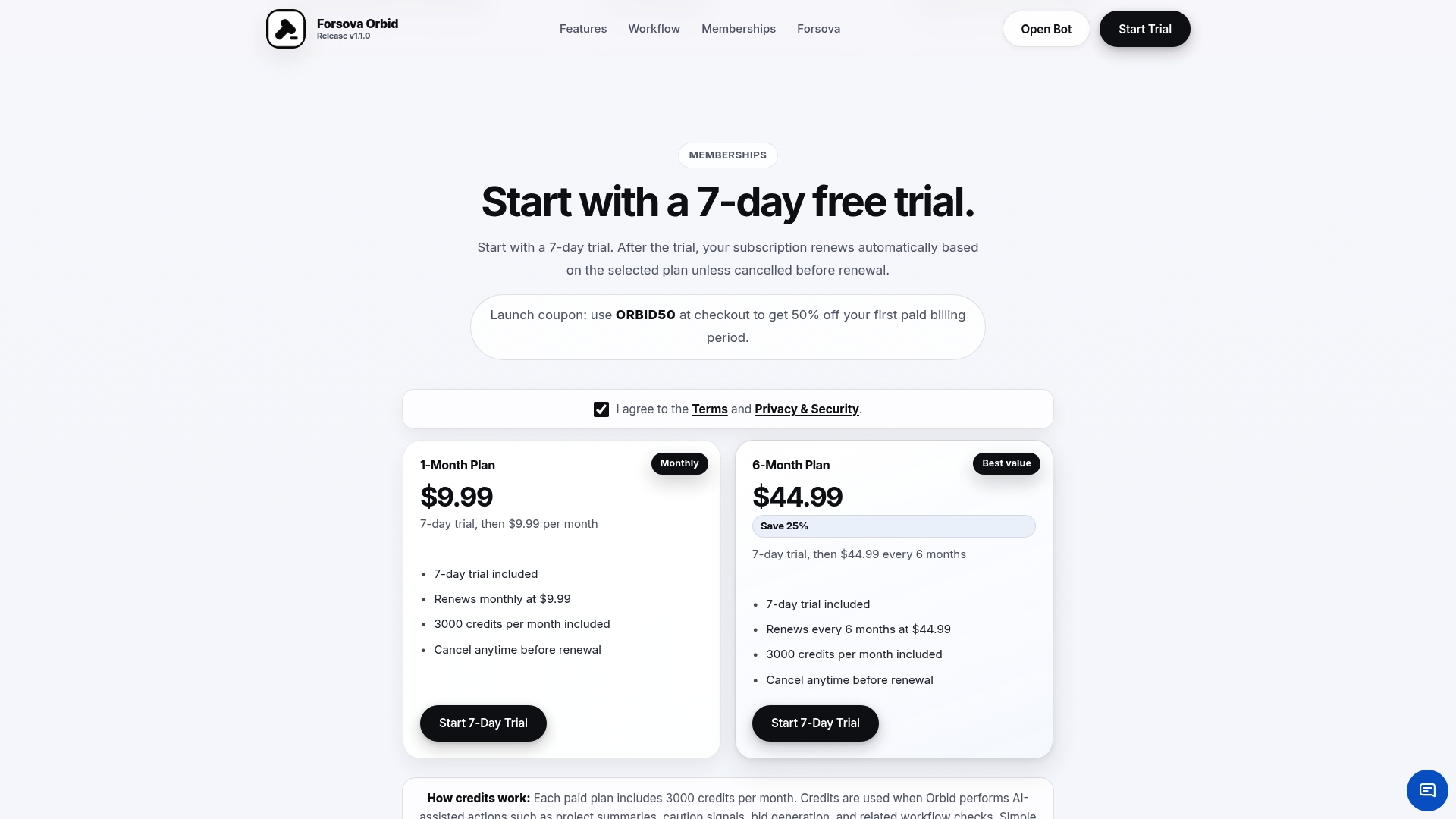
Forsova Orbid applies the same metric logic covered in this article: verified payment status, proposal volume, and project quality signals, all delivered inside Telegram so you can review and act within your timing window. Freelancers using Forsova report spending less time on dead-end listings and more time writing proposals for projects that actually convert. If your current process involves manually checking each listing one by one, Forsova Orbid removes that bottleneck entirely.
FAQ
What does it mean to analyze bid activity before applying?
Analyzing bid activity before applying means reviewing a project’s proposal count, client payment status, hire rate, and past spend before writing a bid. This process filters out low-quality opportunities and focuses your effort on projects with a realistic chance of winning.
How many proposals is too many on a project?
Projects with more than 15 current proposals carry significantly lower reply rates. Projects under 15 proposals give your bid a much better chance of being read and considered by the client.
How early should I submit a bid after a project is posted?
Bidding within the first five minutes of posting produces reply rates around 9%. Waiting just five to ten minutes drops that rate to 6.2%, so speed is a measurable advantage.
What is a bid/no-bid scorecard and how do I use it?
A bid/no-bid scorecard rates each project on strategic fit, delivery capability, and competitive position, typically on a 1–5 scale. Projects scoring below 2.5 out of 5 should be declined to avoid wasting time on unwinnable opportunities.
How do I know if my bid analysis process needs adjustment?
If your reply rate drops below your historical average for three or more consecutive weeks, or if high-scoring projects stop converting, your scoring weights need recalibration. Compare your last 20 bid outcomes against their scores to find where the model is breaking down.